2.2.9. Install as a VM using Megaport MVE
The Virtual Service Router can be deployed on Megaport Virtual Edge (MVE); a Network Function Virtualization (NFV) platform operated by Megaport. This enables rapid deployment of Virtual Service Router instances at the network edge with private connectivity to cloud and enterprise environments.
On MVE, the Virtual Service Router runs as a virtual network function, while Megaport provides the underlying infrastructure and connectivity (including Virtual Cross Connects to cloud providers and other sites).
Key Characteristics
Deployment is fully managed through the Megaport portal
Multiple instance sizes are available, impacting throughput and feature capacity
Up to 5 network interfaces (vNICs) can be configured per instance
Connectivity is provided via:
Internet access (management plane)
Private Layer 2 connections (VXC)
Deployment Overview
The typical workflow is:
Plan the deployment (location, sizing, connectivity)
Create an MVE instance with 6WIND VSR selected as the vendor
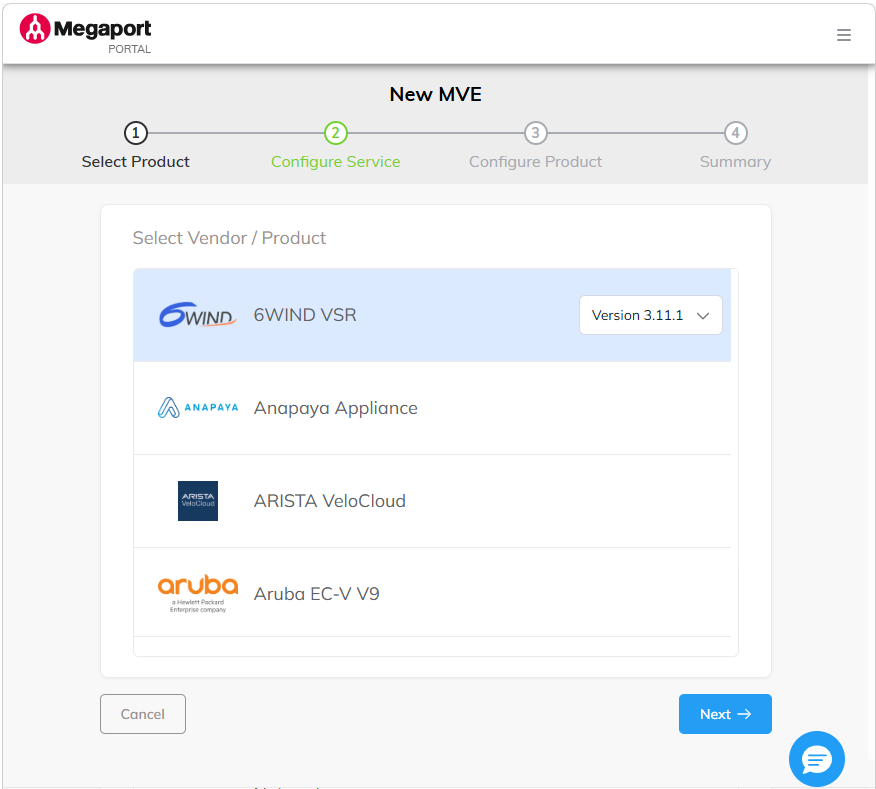
Select the 6WIND VSR with appropriate version
Select the deployment location
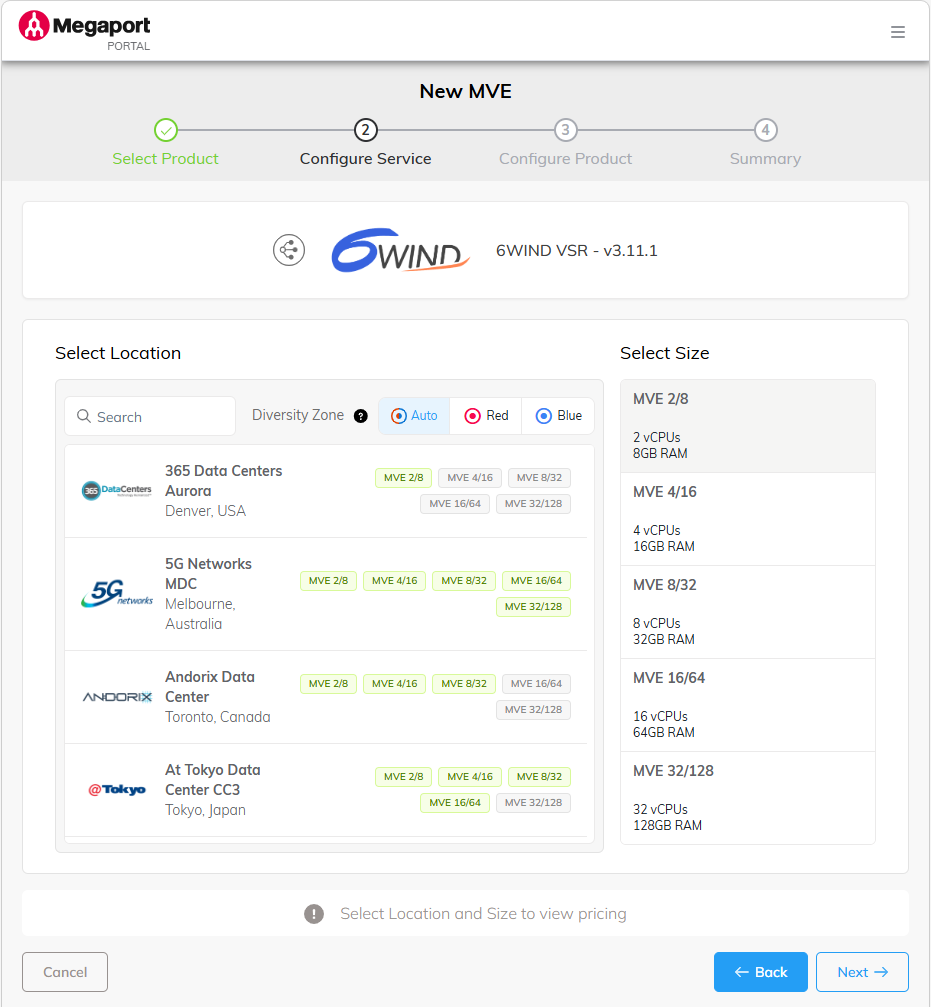
Configure the service
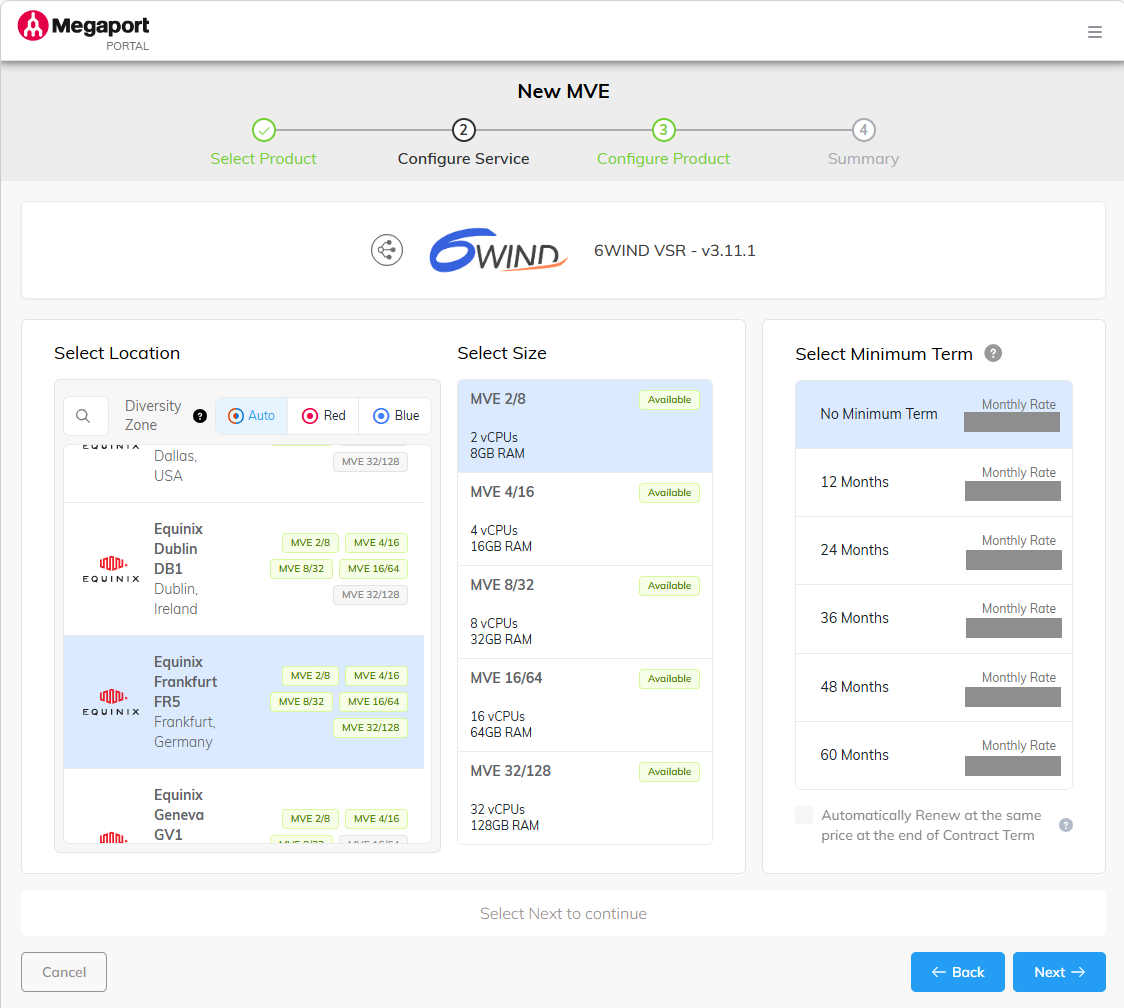
Configure product
Provide SSH key access and deploy the instance
Configure networking and services on the VSR
Create VXCs for private connectivity
For more details on the deployment considerations, refer to planning your deployment section on Megaport’s online documentation.
Important Considerations
Choose the MVE location based on latency and service availability
Size the instance according to expected throughput and enabled features (for example, IPsec or NAT impact performance)
Additional interfaces must be defined at deployment time
Scaling can be achieved by resizing the instance or deploying multiple MVEs
Details on how to create a 6WIND MVE instance and how to configure the connectivity (VXC) can be found on the Megaport’s online documentation.